

Why Fiber Broadband
September 11, 2022
Why Hotels in Nashik Need a Dedicated Leased Line?
January 12, 2026Wi-Fi has become an essential part of our daily lives, enabling us to stay connected with the world at all times. From streaming, movies and music to browsing the internet and staying in touch with family and friends, a strong and reliable Wi-Fi connection is critical for uninterrupted connectivity. However, many people struggle with slow and unreliable Wi-Fi, which can be frustrating and limit productivity. In this blog, we will discuss tips and tricks for maximising your Wi-Fi connection in Nashik to ensure seamless connectivity.
Factors that Affect Wi-Fi Connection
Several factors can impact the strength and reliability of your broadband Internet connection, including:
1. Distance
The further away you are from your router, the weaker the signal will be, resulting in slow and inconsistent speeds.
2. Interference
Wi-Fi signals can be disrupted by other devices, including microwaves, cordless phones, and baby monitors.
3. Obstacles
Thick walls, metal surfaces, and other obstacles can weaken Wi-Fi signals, making it difficult to connect.
4. Overcrowding
Too many devices connected to the same Wi-Fi network can cause congestion and slow the connection.
Tips to Boost Your Wi-Fi Signal Strength
Here are some tips and tricks to enhance the strength and reliability of your Wi-Fi signal:
1. Update your router's firmware
Check if there are any firmware updates available for your router, and install them to ensure optimal performance.
2. Change the channel
If you are experiencing interference from other devices, try changing the Wi-Fi channel to a less crowded one.
3. Use a Wi-Fi extender or repeater
These devices can amplify your Wi-Fi signal and extend its range, ensuring that you have strong connectivity in all areas of your home or office.
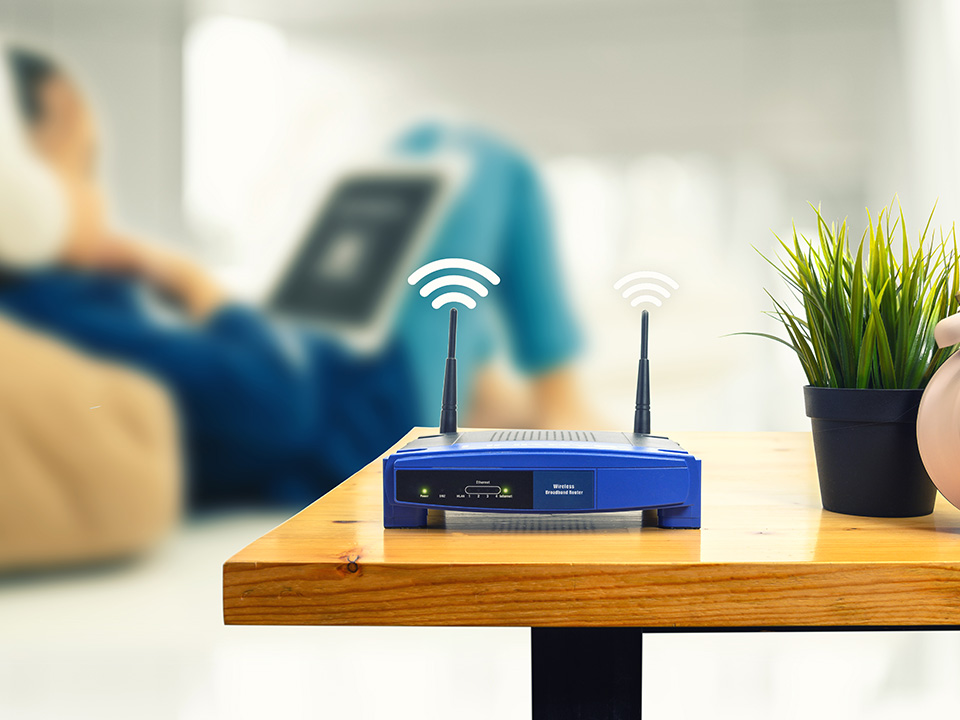
4. Upgrade to a mesh Wi-Fi system
Mesh Wi-Fi systems use multiple access points to provide seamless connectivity, eliminating dead spots and weak signals.
5. Positioning Your Router for Optimal Coverage
The placement of your router is critical in determining the strength and reliability of your Wi-Fi connection. Here are some tips for positioning your router for optimal coverage:
- Keep it in an open space
Place your router in an open area with no obstructions, such as walls or cabinets.
- Avoid metal surfaces
Metal surfaces can reflect Wi-Fi signals, reducing their strength. Keep metal objects away from your router.
- Keep it away from other electronics
Electronic devices, including TVs, speakers, and gaming consoles, can cause interference and weaken Wi-Fi signals. Keep your router away from these devices.
6. Upgrading Your Router and Modem
If you are experiencing slow or unreliable Wi-Fi, upgrading your router and modem can be an effective solution. Newer routers and modems offer faster speeds, improved range, and better security features. The best internet service provider in Nashik may help you.
7. Securing Your Wi-Fi Connection
It is critical to secure your Wi-Fi connection in order to prevent unauthorised access and ensure the safety of your personal information. Here are some tips for securing your Wi-Fi connection:
- Change the Default Password
The default password on your router is easy to guess and can be hacked. Change it to a strong, unique password to prevent unauthorised access.
- Use WPA2 Encryption
The most secure encryption method available for Wi-Fi networks is WPA2. Make sure your router is using this encryption.
- Disable Guest Networks
Guest networks can be a security risk, allowing unauthorised users to access your network. You can easily disable this feature.
Regular Maintenance and Troubleshooting Tips
- Restarting your router and modem
This can often solve connection issues and refresh your Wi-Fi signal.
- Updating your router firmware
Regularly updating your router's firmware can improve performance and security.
- Checking for interference
Use a Wi-Fi analyser app to check for any interference from other devices or networks. If you find interference, try changing your Wi-Fi channel to avoid it.
- Clearing your cache
Clearing your browser cache and cookies can improve Wi-Fi performance.
- Running virus scans
Ensure your devices are free from viruses and malware, as these can affect Wi-Fi performance.
Advanced Wi-Fi Optimisation Techniques
For more advanced Wi-Fi optimisation, you can consider:
- Quality of Service (QoS) Settings
This allows you to prioritise certain applications or devices for optimal broadband internet connection performance.
- Mesh Networking
This is a system of multiple Wi-Fi access points that work together to create a seamless network with maximum coverage.
- Powerline Networking
This uses your home's electrical wiring to extend your Wi-Fi signal to areas with poor coverage.
- Wi-Fi Heat Mapping
This helps you identify Wi-Fi dead zones and weak spots in your home for more targeted optimisation.
Using Wi-Fi Extenders and Repeaters for Maximum Coverage
If you have a large home or office space, you may need to use Wi-Fi extenders or repeaters to ensure maximum coverage. These devices work by receiving your Wi-Fi signal and rebroadcasting it to extend its reach. However, they can also introduce latency and signal degradation if not set up properly. When using Wi-Fi extenders or repeaters, it's important to:
- Position them Strategically
Place them in areas where your Wi-Fi signal is weak or nonexistent.
- Set them up Properly
Follow the manufacturer's instructions carefully to ensure they're set up correctly.
- Avoid Overusing them
Too many extenders or repeaters can degrade your Wi-Fi signal, so use them judiciously.
A strong Wi-Fi connection is essential for many aspects of our daily lives, from work to entertainment. By understanding the factors that affect Wi-Fi connection, positioning your router optimally, upgrading your equipment, securing your connection, dealing with interference, and using advanced optimisation techniques, you can boost your Wi-Fi signal strength and ensure maximum coverage. Additionally, regularly maintaining and troubleshooting your Wi-Fi connection can keep it running smoothly, while using Wi-Fi extenders and repeaters can further extend your coverage. With these tips and tricks, you can maximise your Wi-Fi connection and enjoy uninterrupted connectivity.
Are you on the hunt for fast and dependable fiber broadband internet service providers in Nashik? Look no further than VORTEX INFOCOM, the premier provider of broadband Internet connection in Nashik. As a part of the esteemed VORTEX Group of Companies, we offer an extensive range of services, including leased line internet connections, ILL, multi-play services, FTTX, cable TV, and other areas of information, communication & entertainment technology domains. With Class B ISP licences for Mumbai, Thane, Navi Mumbai, the rest of Maharashtra, Goa & Gujrat, as well as a Pan India MSO licence, we are committed to delivering high-speed fiber internet in Nashik to a growing base of satisfied customers.
Don't let the chance slip by to experience the best internet services available. Get in touch with vortexinfocom internet service provider today.